Bringing the design to life with AI
This project was meaningful to me. It was also an
experiment to turn my design into a real product using AI tools.
After finishing the design in Figma, I connected Cursor to
Figma via MCP so it could read the design directly. Then I explained the site's
purpose, how it should function, and the scroll-based interactions, using Grok
4.6 as the model in Cursor to translate that into code.
I found it worked better to build the website section
by section. This way, I didn't ask AI to do everything at once. I began with
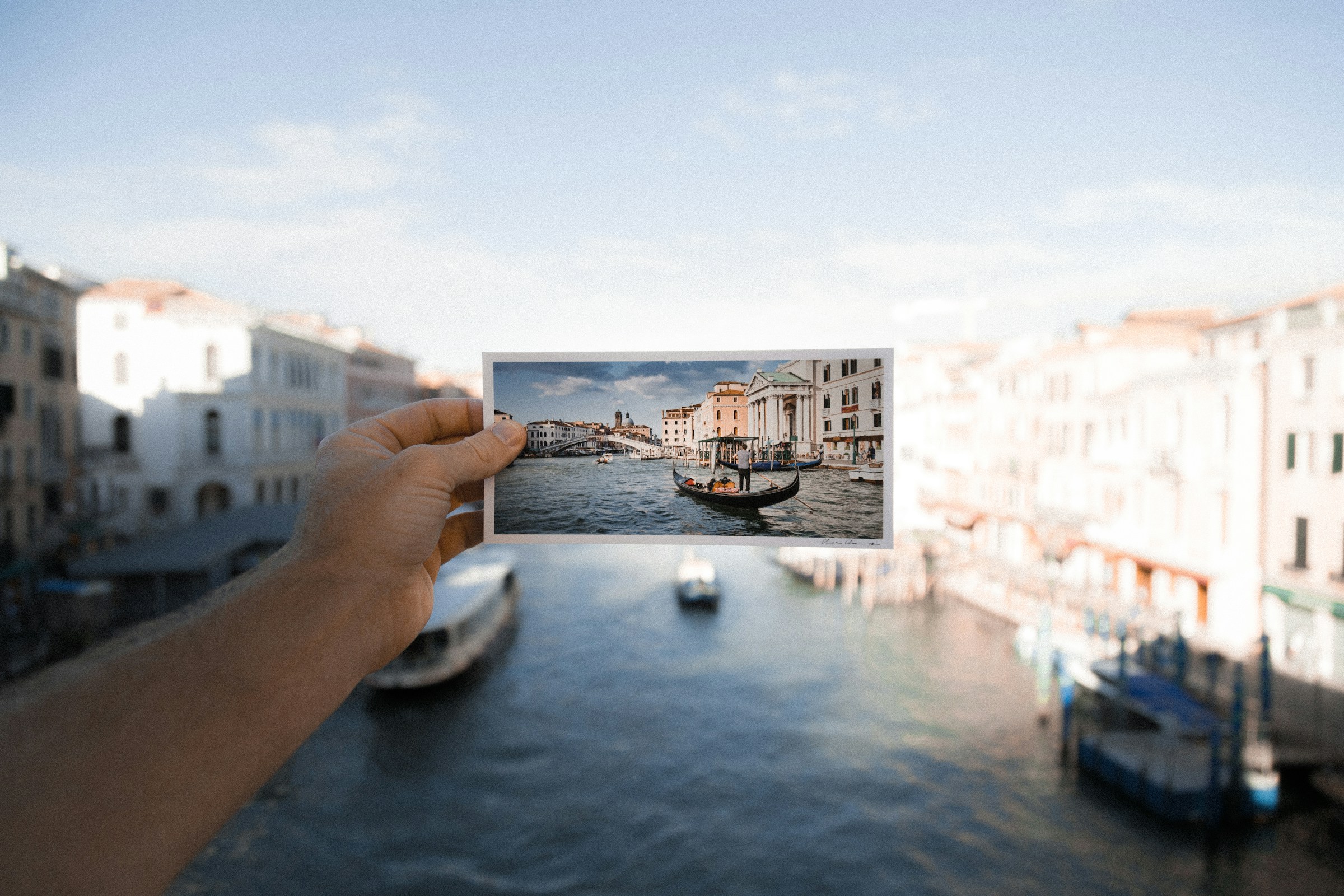
the hero section. I wanted the photo frame to slide onto the screen. Then,
it should pause, as if a photo was being taken, before flipping to show the
back of the postcard.
I continued building the rest of the website in the
same way, step by step. Then I explained the postcard creation flow and
added the design.
Most of the time, Grok was close to my ideas. It
didn’t always get things right, though. Sometimes, I had to point out what
was missing or needed changing. Other times, I struggled to explain what I
wanted. That’s where Claude came in. I could share my goals and ask how to
frame them as prompts. This helped me turn my ideas into clearer
instructions for AI.
I set up Resend to handle sending emails, and verified my
own domain so emails wouldn't land in spam. With Grok's help, I got the whole
email flow working, including showing the postcard images right inside the
email.
The first version of the site sent postcards only by
email. You could make a card and send it, and that was the whole experience. It took me several days, but turning an idea from
Figma into a working product was exciting. Without today’s AI tools, this
project might have taken months or stayed at the prototype stage. Instead, I
could build it in around a couple of weeks and share it with you.
<
A new version of Cardbuddy is live now. If you create an
account, you can discover new people, swap cards, and collect the ones you receive.
You can still send a card without an account. It goes out
the same way. You just won’t collect it or see it again later.
What AI helped me with
- Keeping the same visual language across components and pages, since it
worked from the design style I uploaded and could suggest and build within
it.
- Making the website responsive without designing every screen myself. It
adapted layouts on its own, and I only fine-tuned where needed.
- Seeing my design as a real product almost immediately, which made it much
faster to spot issues and fix them directly.
- Most importantly, turning what could've taken a small team months into
something I built on my own in a couple of weeks.